Free Staff Scheduling Mobile App
Give staff instant access to their schedule with easy shift management and improved communication.
- Streamline communication
- Increase staff engagement
- Works on all devices
- Available free on iOS and Android
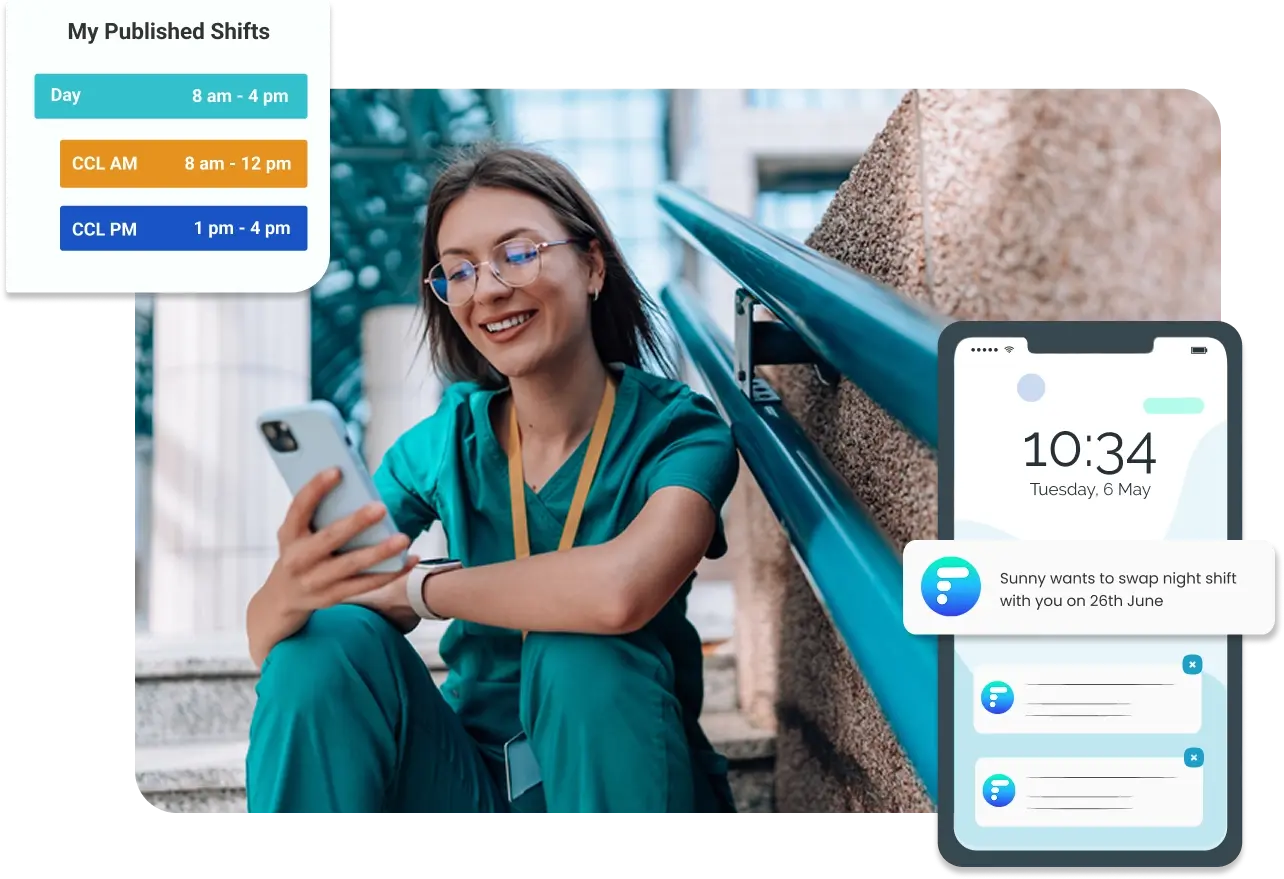
Publish your schedule to your staff mobile app
Team members can see their published schedules on the RosterLab app, allowing them to stay updated with their work schedules. They are also able to communicate their preferred shift patterns.
AI-Powered Preferences
Staff preferences and leave requests submitted through the app are automatically considered by our AI when generating optimal schedules
Shift Swaps and Open Shifts
Handle change requests through the app without back-and-forth communication with managers
Real-Time Updates
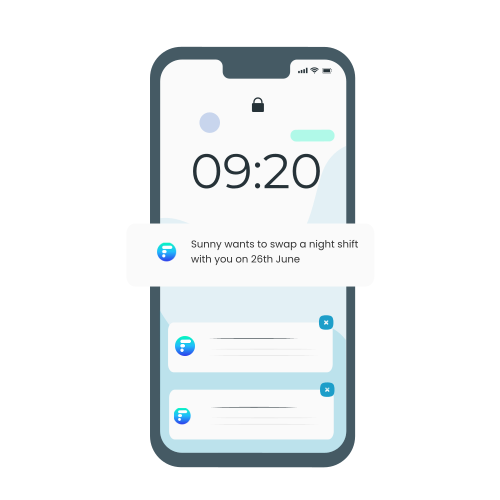
Instant push notifications for schedule changes, ensuring your team always has the latest schedule information
Everything your staff needs, anywhere they are
Empower your team with instant access to schedules, easy shift management, and seamless communication through our mobile app.
Personal Schedule View
See your upcoming shifts, tasks, and days off in an easy-to-read calendar format
Learn moreOpen Shifts
Browse and claim available shifts that match your skills and availability
Learn moreTime Off Requests
Submit requests and track approval status directly from your phone
Learn moreSmart Shift Trades
Rule-based auto-swaps reduce admin effort in the approval process.
Learn more
Increased Staff Satisfaction
Empower your team to communicate their availability and preferences directly through the app, making schedule planning more collaborative and efficient.
Easily sync your work schedule with Google Calendar, Outlook, Apple Calendar, and more. Share it with your partner and friends to make planning life events simpler.
Seamless communication and notifications
Push notifications keep staff updated in real-time as schedules are published, shifts become available and leave requests are approved.
No more back and forth communication
Gain insights on popular leave days and plan your requests smartly. Handle all shift requests and responses seamlessly in one place
No more email spam
Getting notified only for what matters to each team member
Stay connected with life
Share your work schedules with family and friends for better work-life balance.
Communication Features
Frequently Asked Questions
Everything you need to know about the RosterLab mobile app
A staff scheduling mobile app is a smartphone application that allows employees to access their work schedules anytime, anywhere. RosterLab's free mobile app lets staff view their upcoming shifts, submit time-off requests and preferences, receive instant notifications about schedule changes, and sync their work schedule with their personal calendar. It eliminates the need for paper schedules, emails, or phone calls, keeping your entire team connected and informed.
Staff needs to be invited by admins to the schedule. Once invited, they can then download the RosterLab mobile app from the Apple App Store or Google Play Store. After receiving an invitation, staff will get login credentials from their administrator to set up their account and access their personal schedule.
Absolutely! The mobile app includes a comprehensive leave request system. Staff can submit time-off requests, specify the dates and reason, and track the approval status in real-time. Managers receive instant notifications of new requests.
The shift swap feature allows staff to directly send a request to colleagues after communicated with them. Auto-swaps are permitted if the request doesn’t impact operational rules or coverage, with more complex cases triaged to managers for approval.
The RosterLab mobile app is compatible with iOS devices (iPhone and iPad) running iOS 12 or later, and Android devices running Android 7.0 or later. We regularly update the app to support the latest operating systems.
Ready to empower your workforce?
Give your staff the tools they need to manage their schedules effectively.